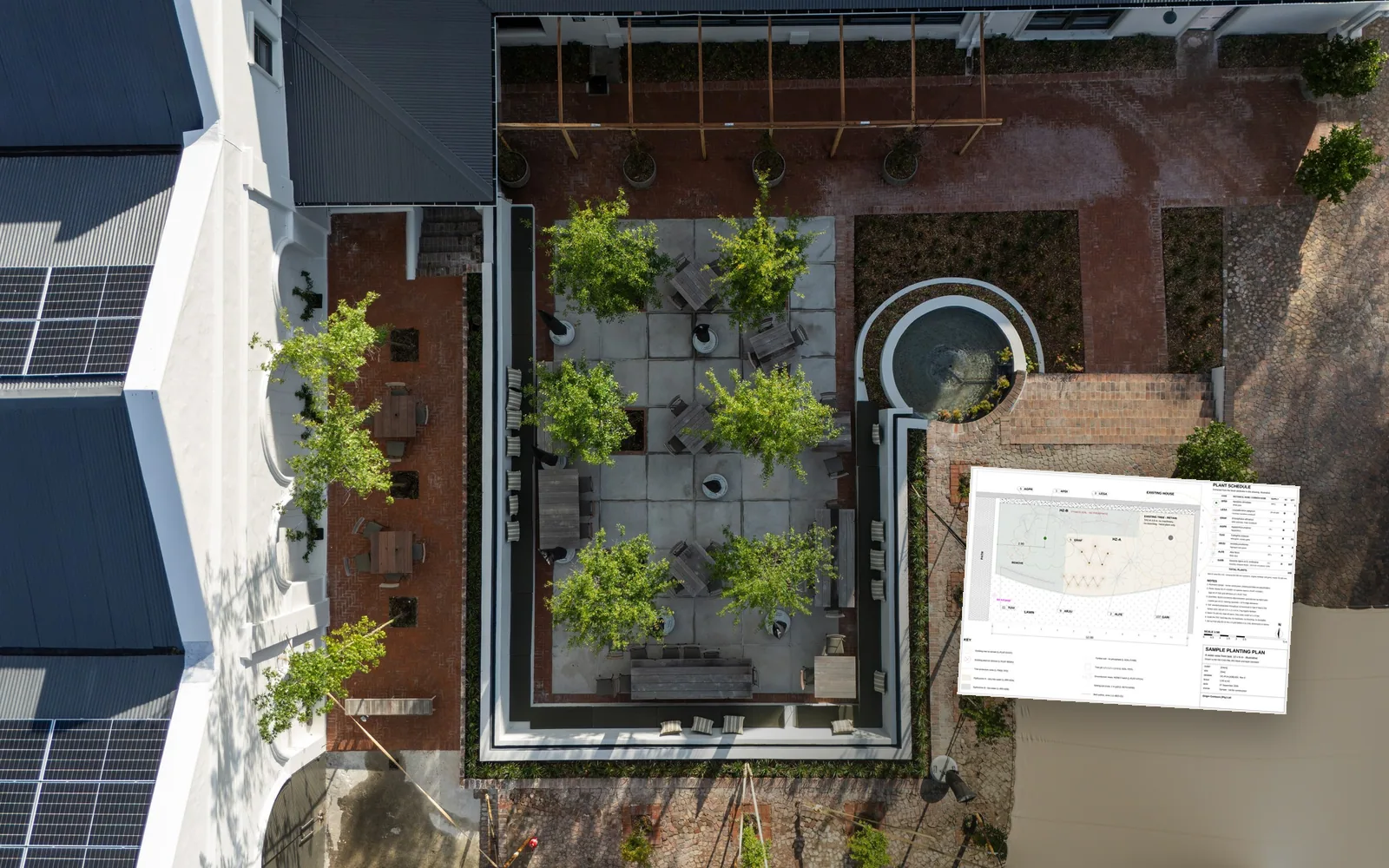
Photos
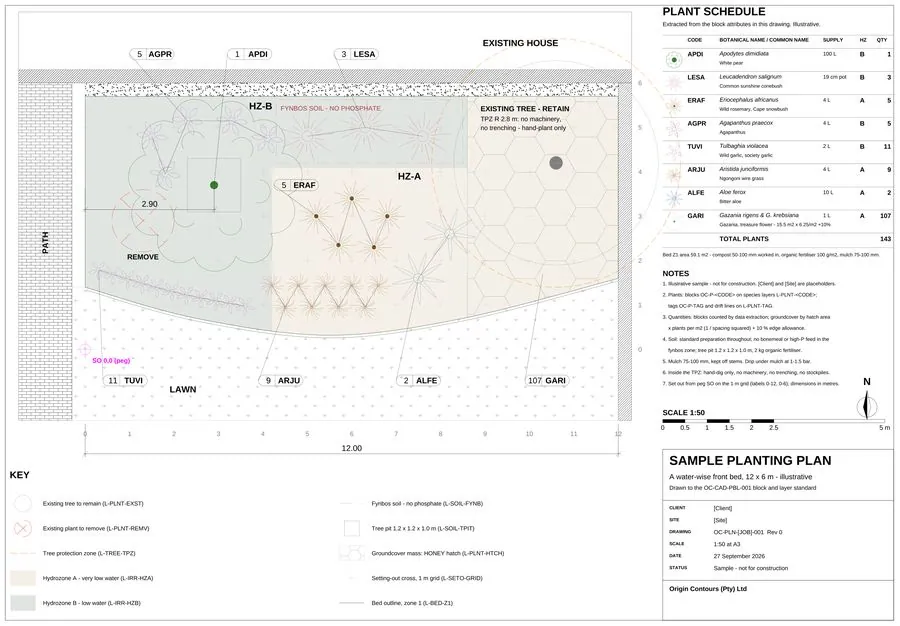
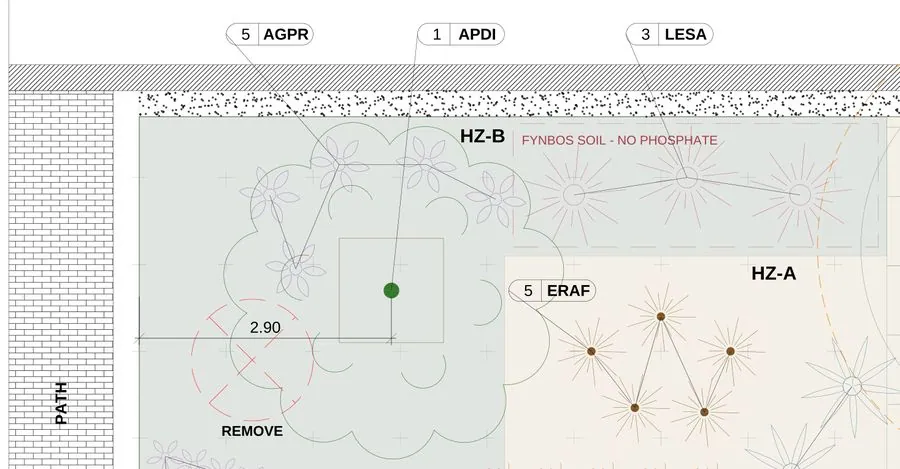
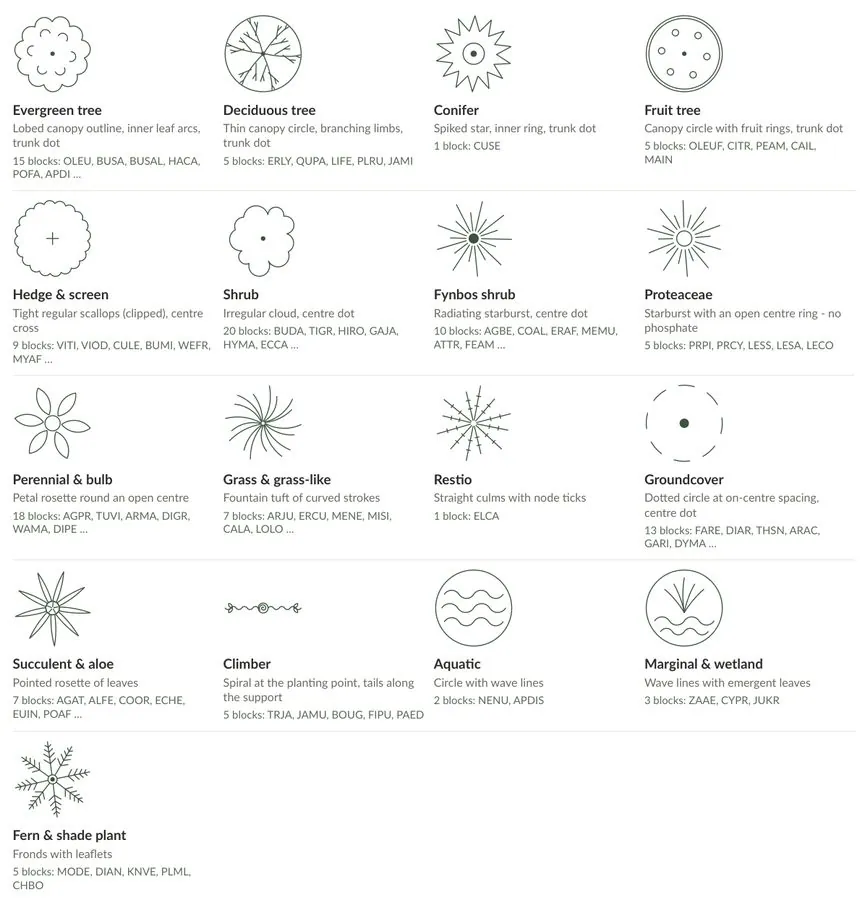
6 photos. Tap any picture to see it larger.
Draw planting plans that count themselves: blocks, layers, tags and schedules.
What you get
- Online lessons on any phone
- Practice questions and final exam
- Certificate of completion
What you will be able to do
- Set up a planting plan from a layer template, with the right units, references, datum and plot scale.
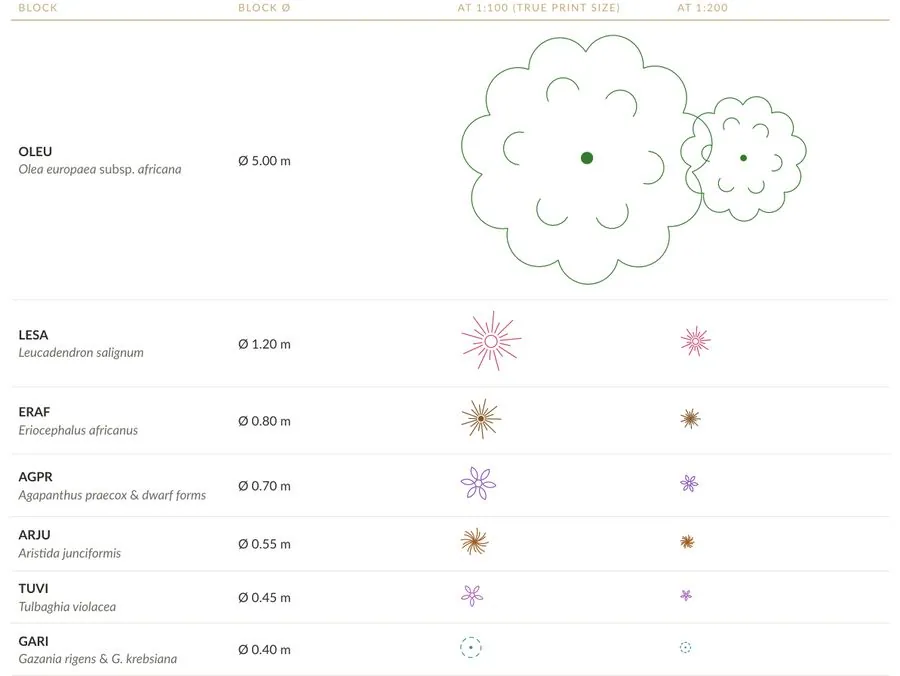
- Insert plant blocks on their species layers, and explain what a block’s Block Ø and attributes carry.
- Draw trees, drifts, groundcover hatches, hedges and climbers so that every plant is counted once.
- Tag every drift with its quantity and code, and code new plants by the naming rules.
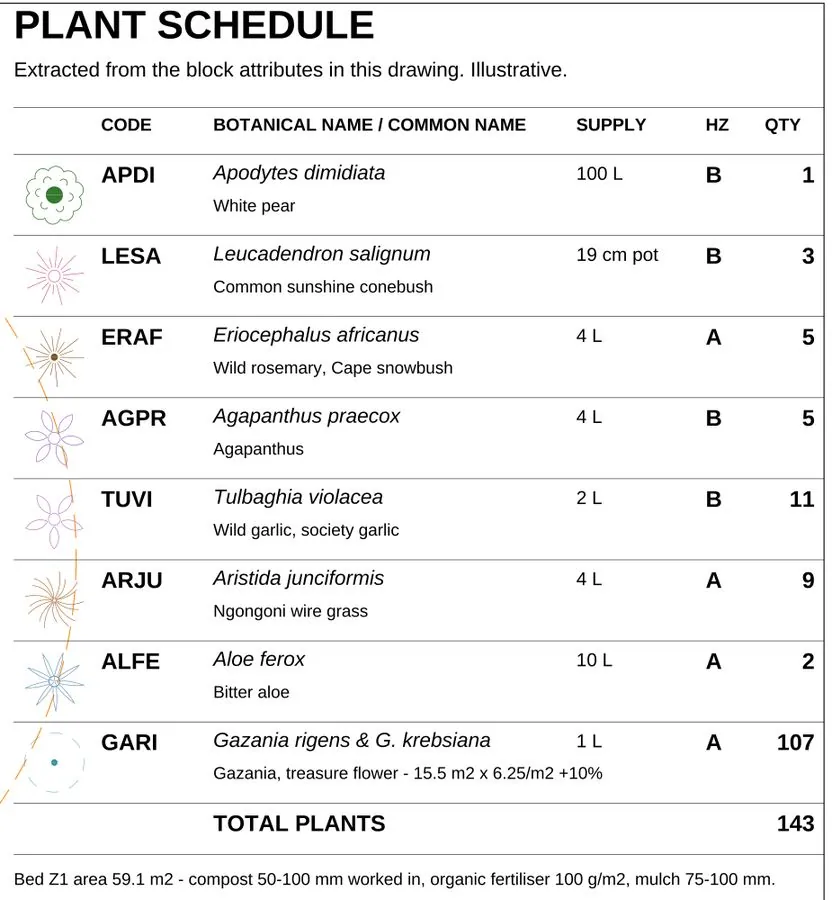
- Extract a plant schedule from the block attributes, and add groundcover, drift and run lines from the register’s calculators.
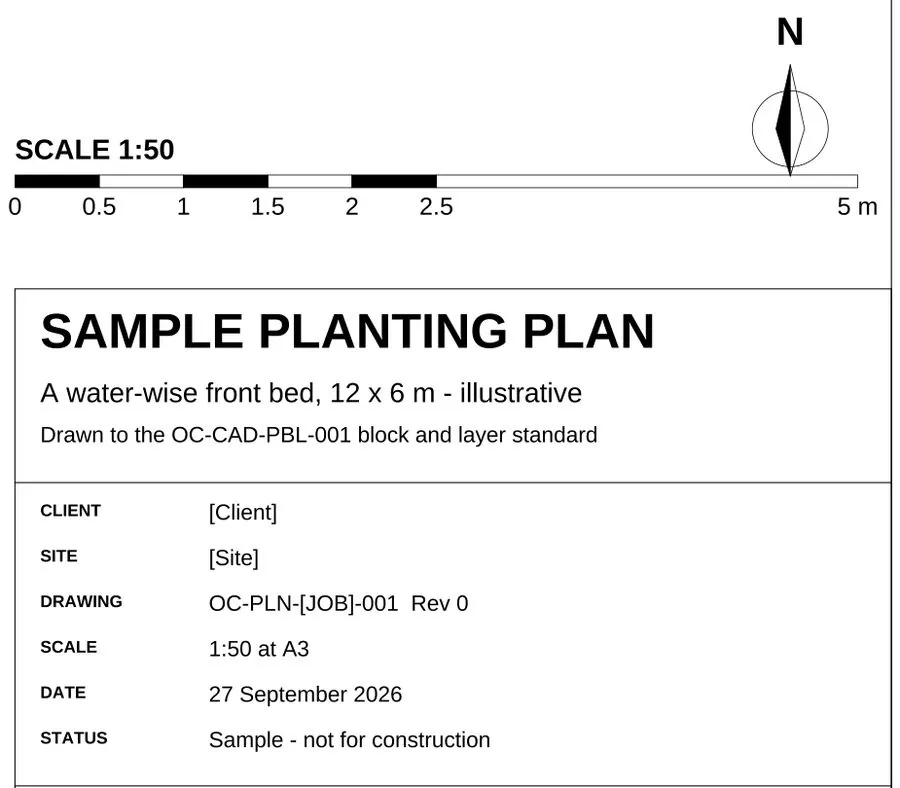
- Check quantities, NEMBA notes, nursery confirmations, the title block and the print before you issue or revise a plan.
Modules
- What a planting plan must tellKnow who prices and plants from your plan, what they need from it, and how the sheet and its scale work.
- The library: symbols, attributes and Block ØGet the blocks into your drawing at the right size, and know what each one carries.
- Layers and the layer standardPut everything on a layer that says what it is, so the plan reads, plots and counts.
- Placing plantsDraw trees, drifts, masses, hedges and climbers so each one is counted the right way.
- Tags and the schedule that counts itselfTag every drift, code every plant the same way, and pull the schedule out of the drawing.
- Checking and issuing the planCheck the numbers and the plants, fill the title block, plot it so it reads, and revise it cleanly.
About 210 minutes in total, in short lessons you can do on a phone. Practice questions after each module, then a 20-question final assessment (pass mark 80%) and a certificate of completion.
Who it is for
Designers, technologists.
Licence
One seat per learner, for 12 months. Each learner gets a personal link; forward it to them.
Sold by Origin Design Workshop (Pty) Ltd as part of Origin Contours Academy. Terms, licences and refunds.