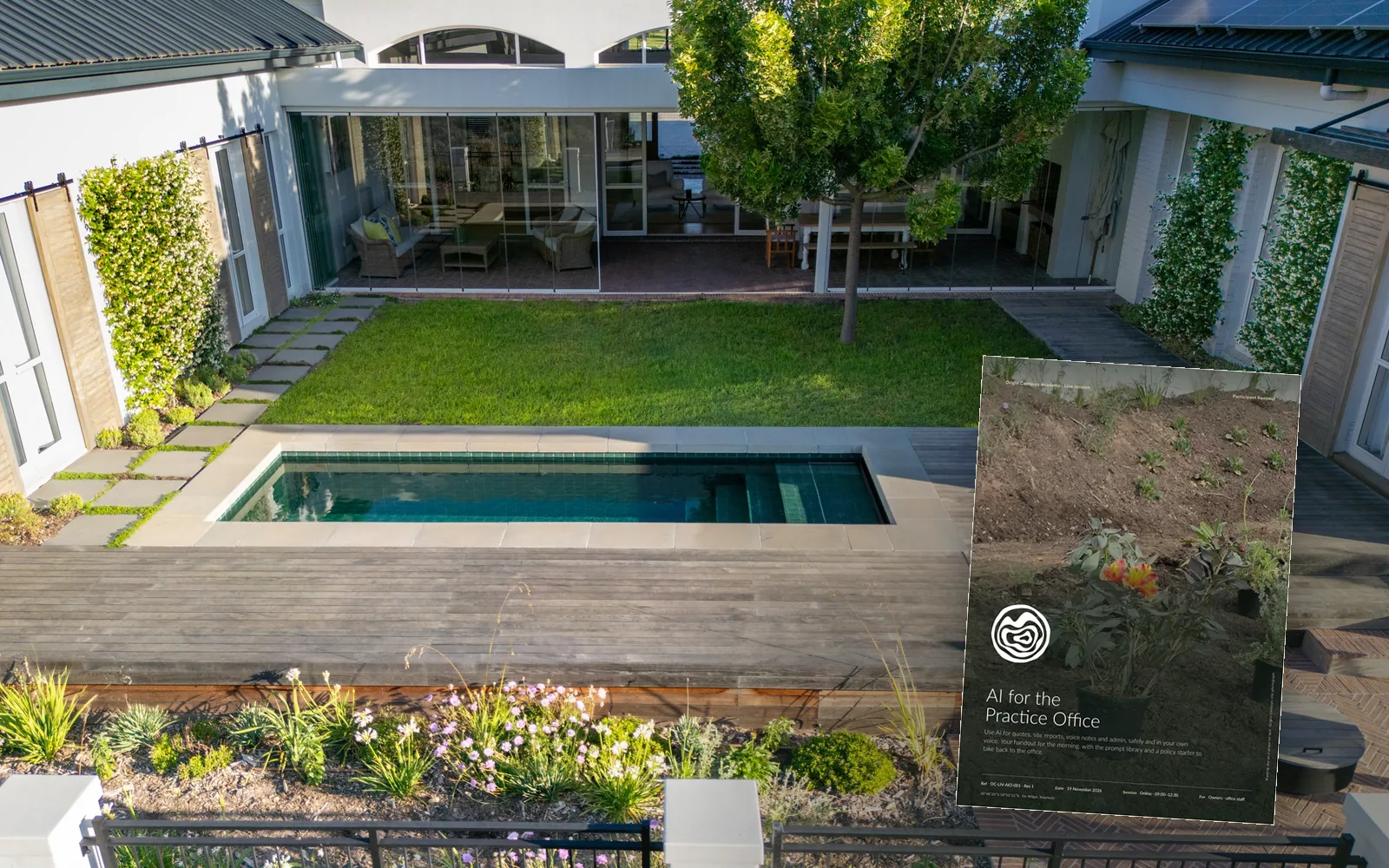
Look inside
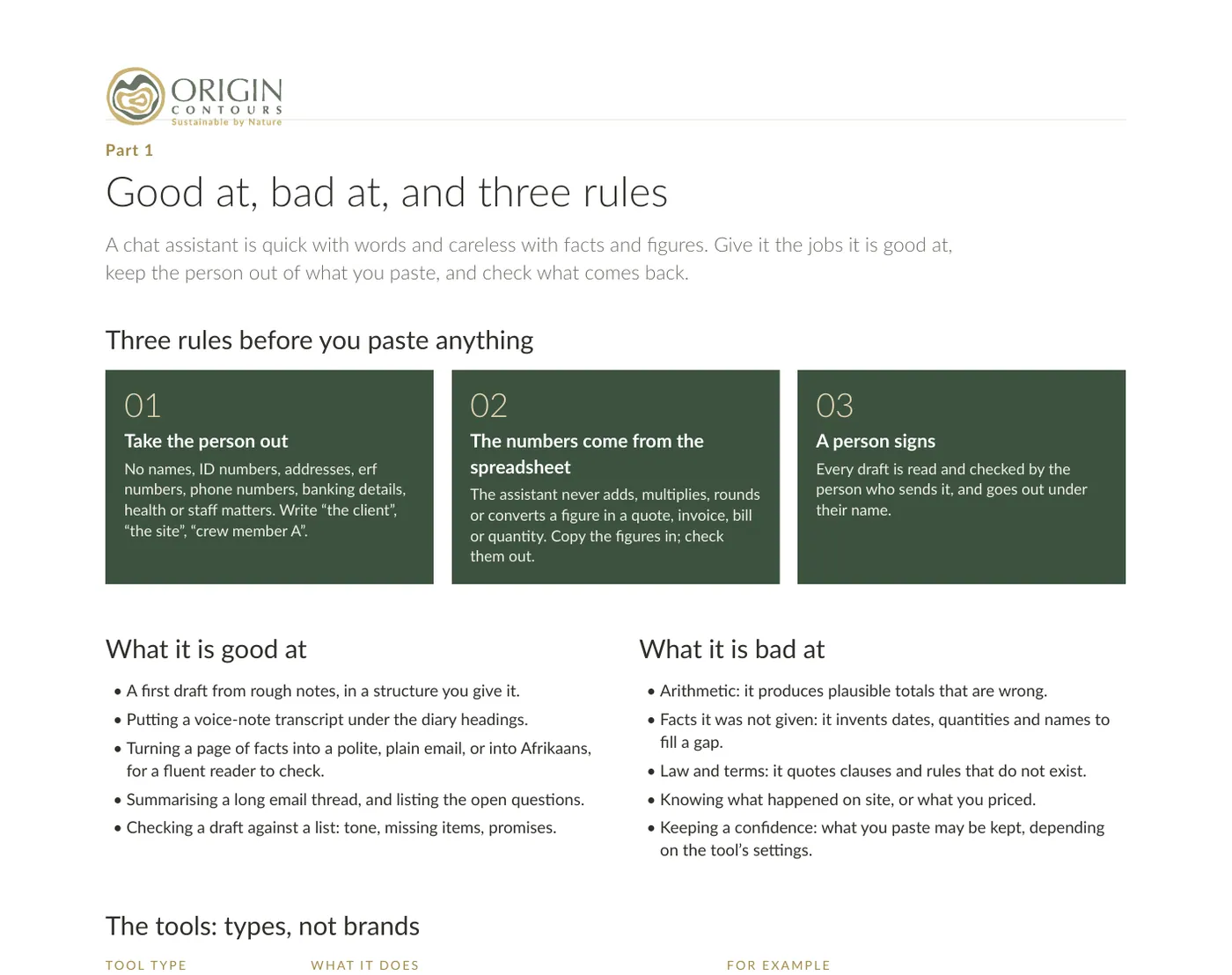
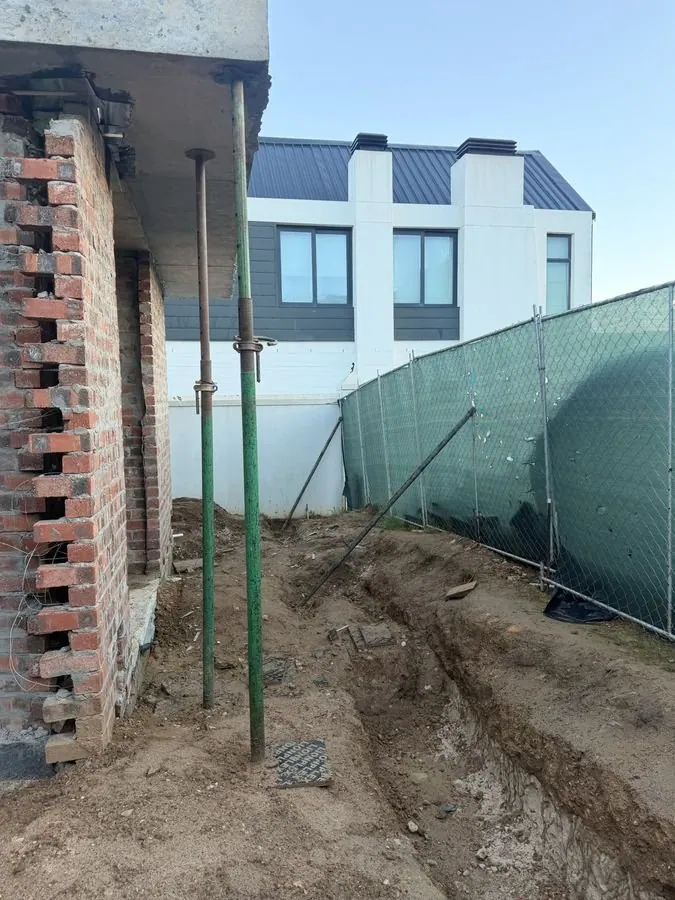
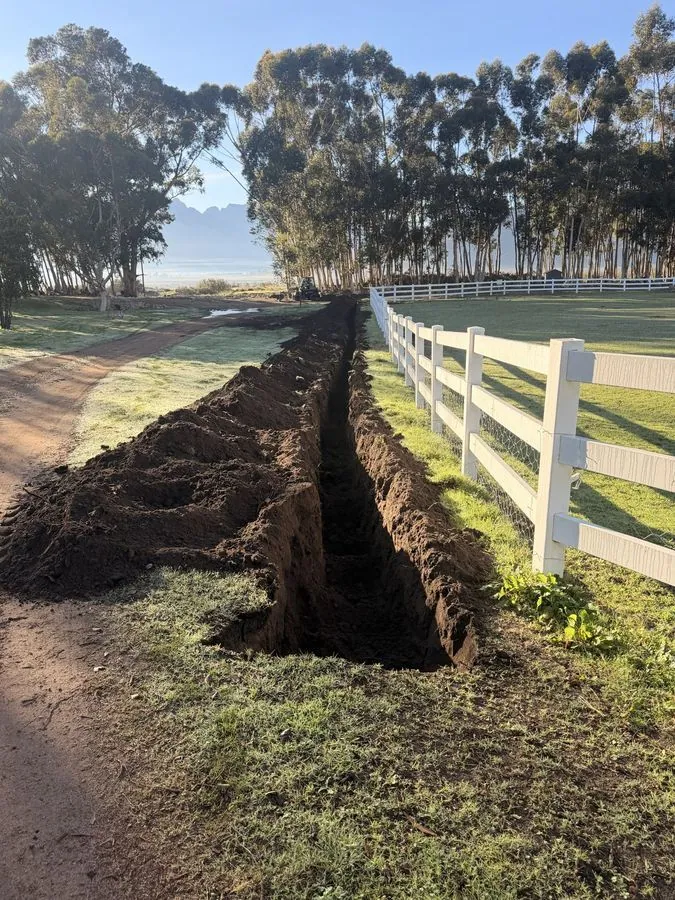
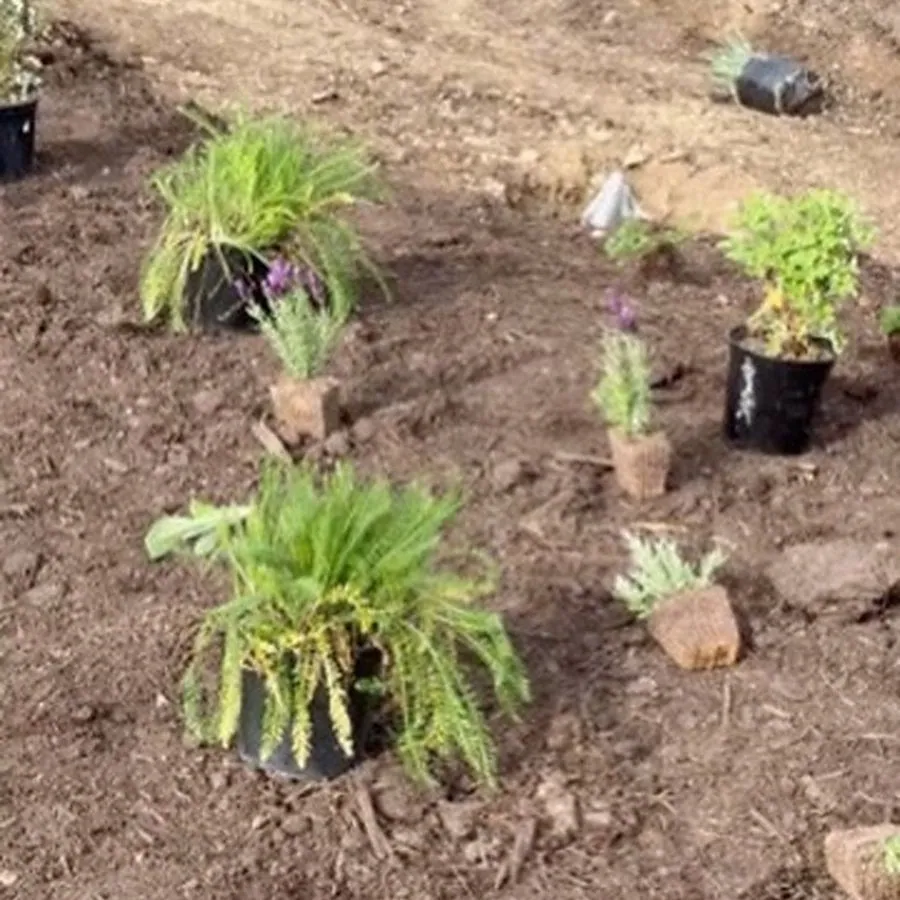
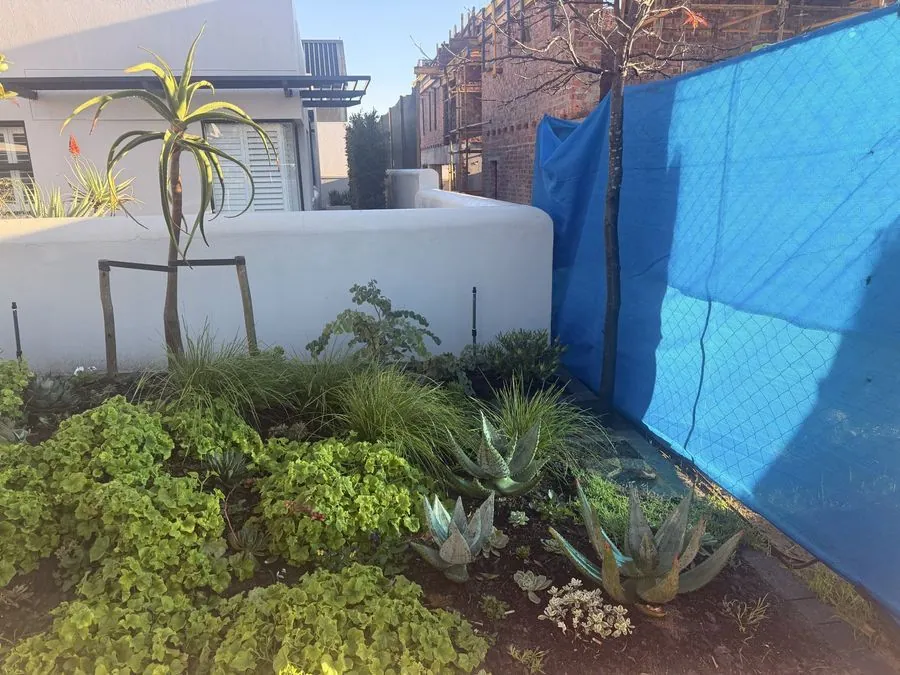
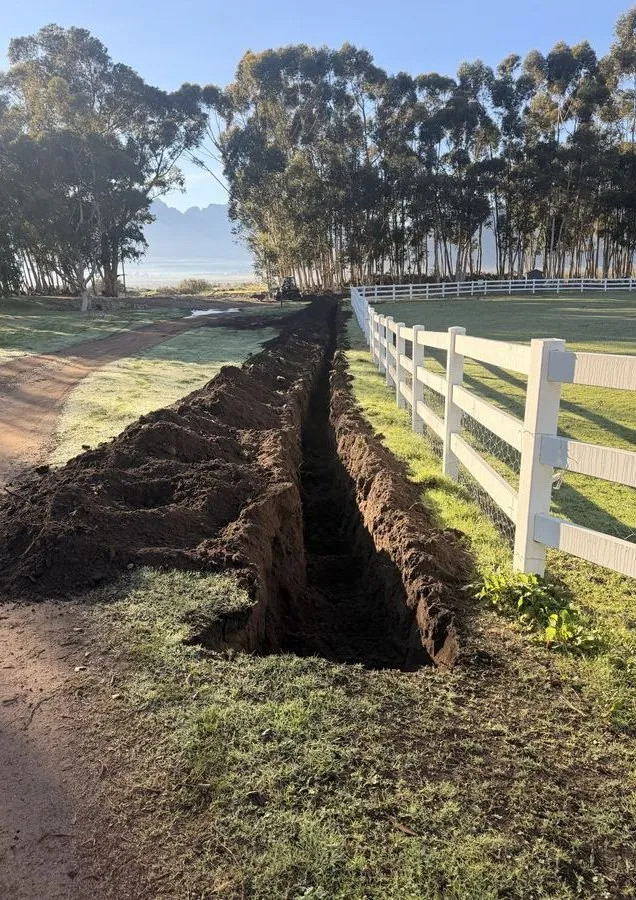
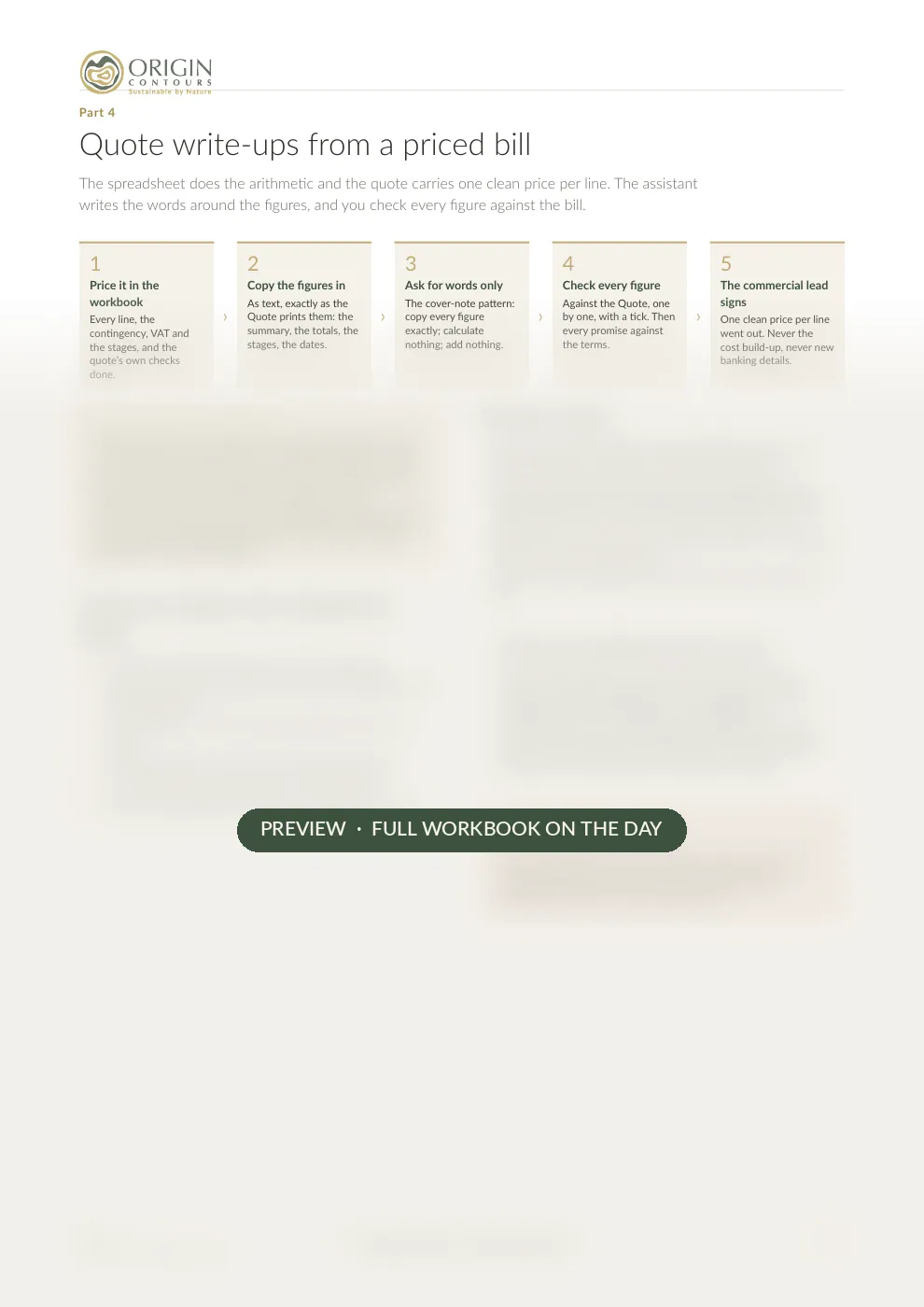
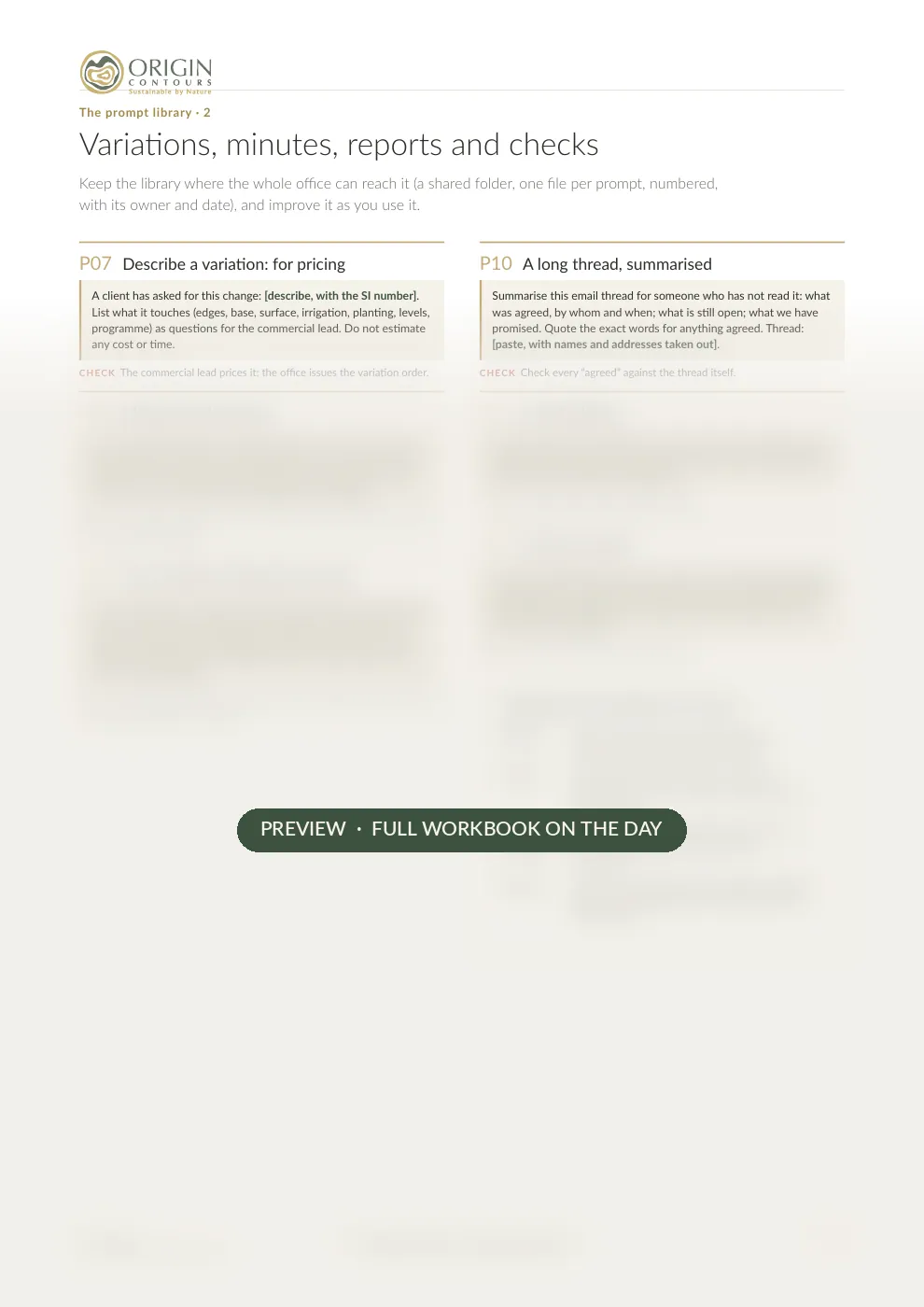
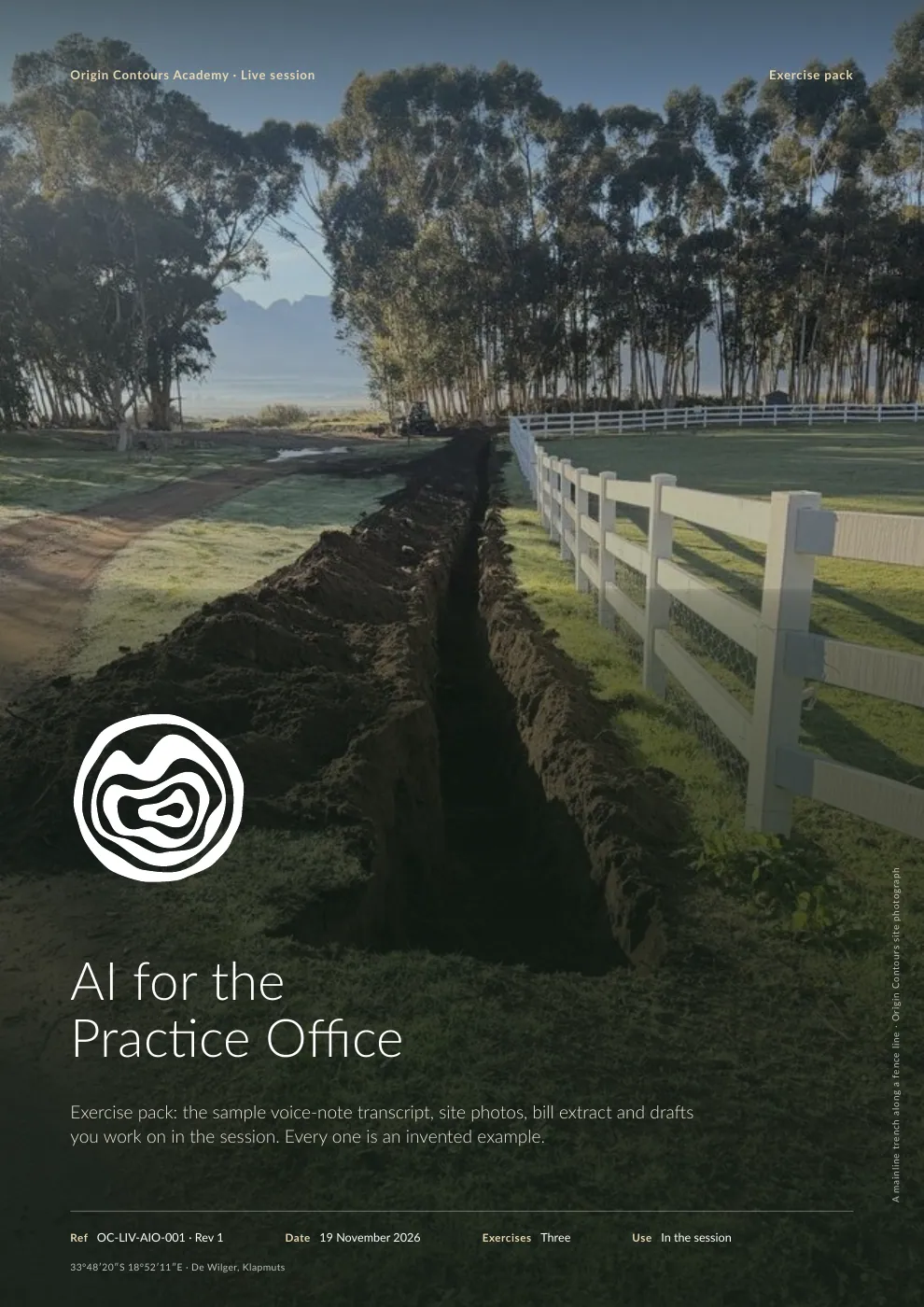
5 preview pages and 5 photos. Tap any picture to see it larger. Previews show the top of each page.
Use AI for quotes, site reports, voice notes and admin, safely and in your own voice.
A live online morning, presented by a facilitator from start to finish, for the people who run a landscape practice or contractor’s office. We show how a chat assistant can turn a voice note and site photos into a site-diary entry, write a quote’s cover note from a priced bill while the spreadsheet does every sum, and draft client updates, written confirmations and meeting minutes in your own voice. You try three of these on sample material we supply, and check every draft line by line. We finish with client data and POPIA principles, who signs what, and a one-page AI-use policy to take back to the office.
When and where
Half-day, 09:00 to 12:30. Live online on Zoom or Microsoft Teams. The joining link is emailed the day before. Up to 20 people.
On the day
| 09:00–09:15 | Welcome and set-up How the morning works, a tool check, and the rules for client information |
| 09:15–09:40 | Part 1 · Good at, bad at — and three rules What chat assistants do well and badly, and what never goes into one |
| 09:40–09:55 | Part 2 · Your own voice A one-page style sheet, so that drafts come back sounding like you |
| 09:55–10:10 | Part 3 · Site notes from voice notes, live Voice note → transcript → diary entry → check, demonstrated |
| 10:10–10:35 | Exercise 1 · A diary entry from a voice note Your turn on a sample transcript and photos, then the check |
| 10:35–10:45 | Break Away from the screen |
| 10:45–11:00 | Part 4 · Quote write-ups from a priced bill The spreadsheet does the arithmetic; the assistant writes the words |
| 11:00–11:25 | Exercise 2 · Check a quote cover note Find every wrong figure and promise in a drafted note, then re-prompt |
| 11:25–11:35 | Break Away from the screen |
| 11:35–11:55 | Part 5 · Emails, updates, meetings — and the library Client updates, written confirmations, minutes with actions; the prompt library |
| 11:55–12:10 | Exercise 3 · A weekly update and a written confirmation From notes, photos and a client’s voice note, in your own voice |
| 12:10–12:25 | Part 6 · Safety, sign-off and the policy Client data and POPIA principles, confidentiality, accuracy; a one-page AI-use policy |
| 12:25–12:30 | Close Three next steps; the feedback form |
What you will be able to do
- Say what chat assistants are good and bad at in a landscape office, and which jobs to give them.
- Write a one-page style sheet so that drafts come back in your own voice, in English or Afrikaans.
- Turn a voice note and site photos into a site-diary entry under our headings, and check it the same day.
- Write a quote cover note from a priced bill without letting AI do any arithmetic — and check every figure against the bill.
- Draft client emails, weekly updates, written confirmations and meeting notes with actions that are factual and in writing.
- Start a shared prompt library for the office.
- Keep client data safe by POPIA principles, keep confidences, sign off every word, and start a one-page AI-use policy.
What you need
- A laptop or desktop computer with a current web browser — a phone is too small for the exercises
- Zoom or Microsoft Teams installed and tested; the link comes the day before
- An account on a chat assistant (for example ChatGPT, Microsoft Copilot, Gemini or Claude) — your business account if you have one
- Optional: a transcription tool, or a phone whose voice recorder transcribes
- A headset or earphones with a microphone, and a quiet place to work
Bring
- The handout and exercise pack we email the day before, downloaded or printed
- A pen and paper for the checks
- Five of your own sent emails with names, addresses and numbers taken out — for your style sheet (optional)
We provide
- Every transcript, bill extract, draft and photo you work on — all invented examples
- The participant handout (PDF) with the prompt library and a one-page AI-use policy starter
- The exercise pack (PDF)
- An attendance certificate
Certificate
Everyone who completes the course gets a certificate of completion. Our certificates are not accredited qualifications.
Questions
- Which AI tool do I need?
- Any chat assistant. If your business already has one inside its email and office suite, use that account. We name current examples in the set-up note; tools change monthly.
- Is it safe to put client information into these tools?
- Only with care, and some things never. The morning starts with three rules and ends with the principles and a policy starter. Nothing you paste in the session is real: we supply invented examples.
- Does AI work out my quotes?
- No. Your spreadsheet does every sum. AI writes the words around the figures, and you check every figure against the bill.
- Will the session be recorded?
- No. The handout and the exercise pack are yours to keep.
- What certificate do I get?
- An attendance certificate from Origin Contours Academy. It is a certificate of completion, not an accredited qualification.
Can't come? Up to 14 days before: a full refund. 7 to 13 days: move to another date, or half back. Less than 7 days: send someone else in your place. See the terms.
Who it is for
Owners of landscape practices and contracting businesses, and the people who run their offices: quotes, site paperwork, client emails and admin. You should be at ease with email and a web browser; no AI experience is needed.
Licence
One seat for one person on the date you choose. Add or change the names on your booking page any time before the day.
Sold by Origin Design Workshop (Pty) Ltd as part of Origin Contours Academy. Terms, licences and refunds.